
Lenovo Laptop Repair Case History
Seems like we always get the weird ones.
This was an interesting problem to solve.
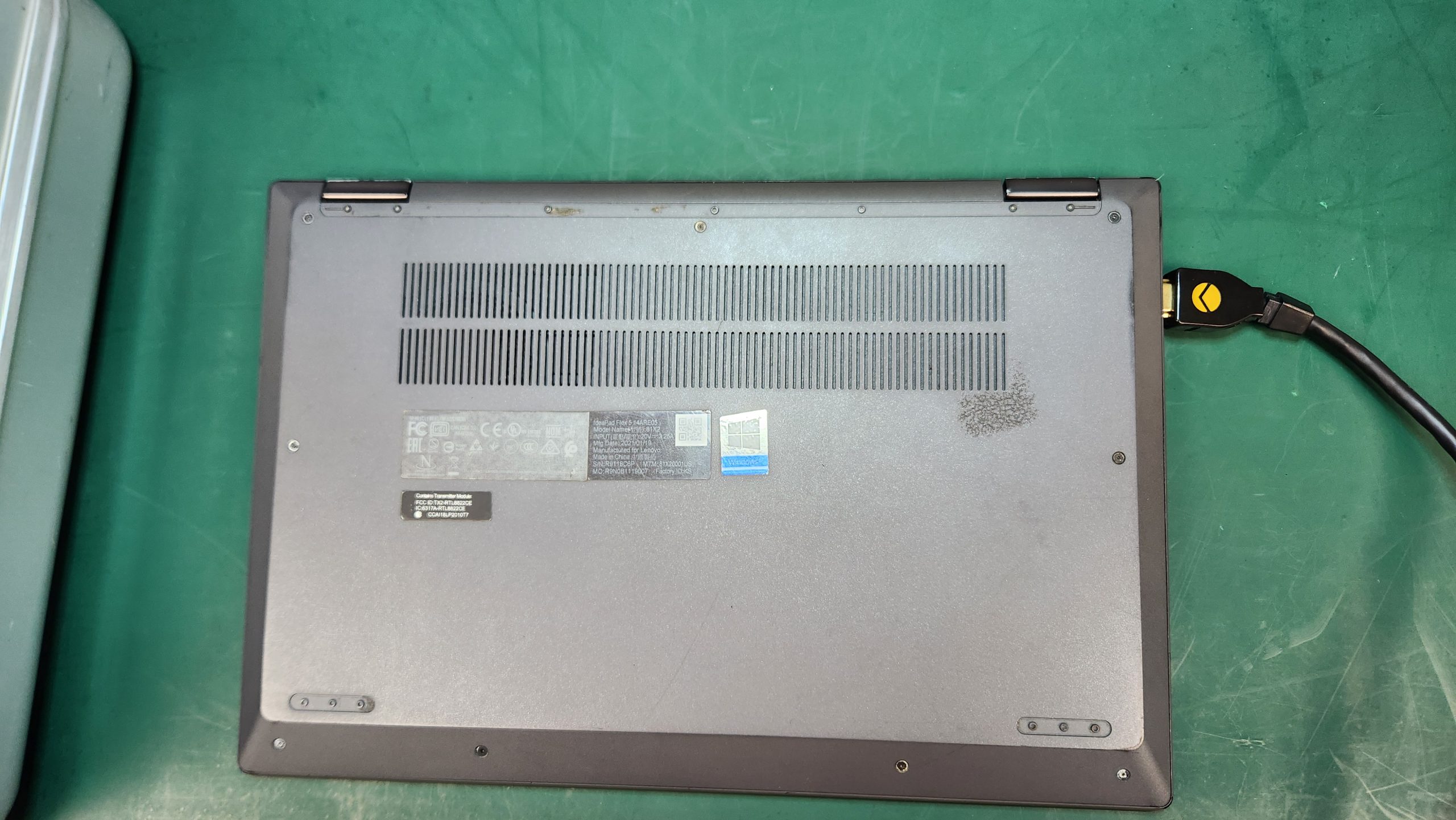
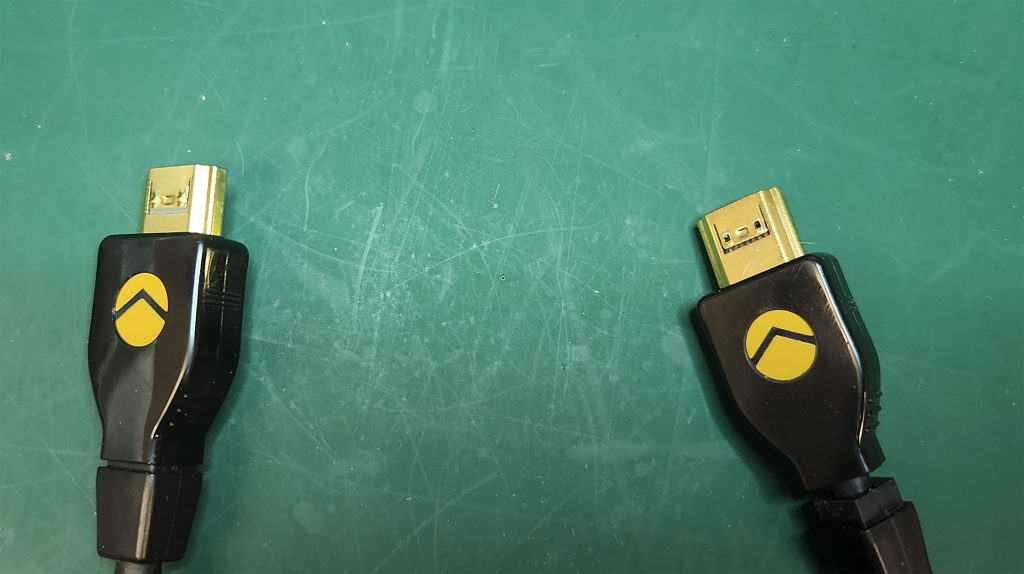
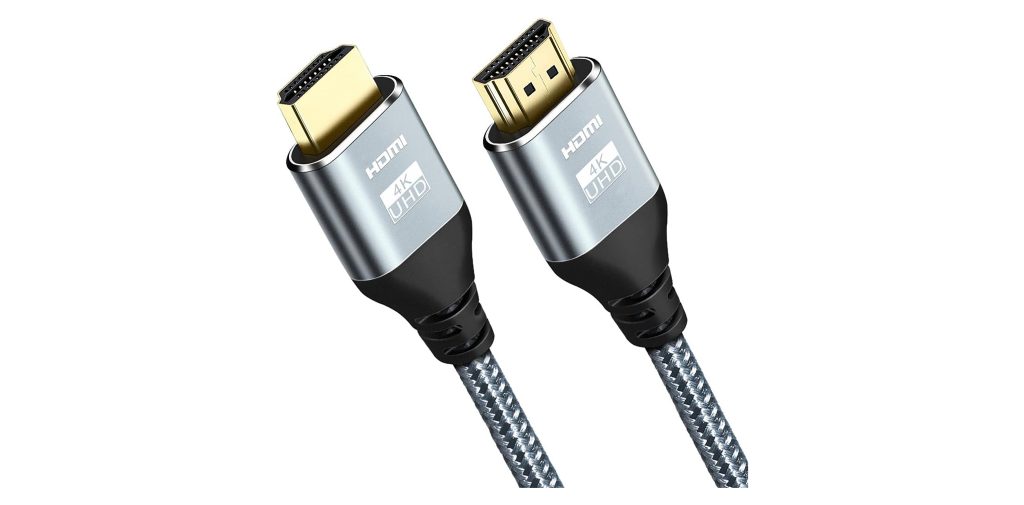
This Lenovo Ideapad Flex 5 came into the shop with a short HDMI cable plugged into it. It would not come out. Initial observation indicated severe overheating due to a lack of proper ventilation. After removal of the bottom cover, I blew out a lot of dust and dirt in the cooling system. And a dead moth. I found the HDMI cable was one designed to lock itself in place. You pull on the outer cable end of the connector to release it. In this case, that had broken. You don’t need one of these unless you’re using it in Formula One racing or space travel. You will never pull enough Gs to need a locking HDMI connector any other time. The mechanism had become jammed and the connector would not come out. Once I had the case open,I was able to depress the connector protrusions with a screwdriver and remove the cable.
The Ideapad has two feet on the bottom at the front edge of the computer. This raises the bottom above the surface just enough for ventilation. They were missing on this computer, having fallen off some time ago. I told the user he needs to compensate for this by setting something slim under the edge of the laptop when in use.
The thing about laptops you want to remember is:
They NEED Ventilation.
So never use them setting directly on your legs / cloth / blankets / etc. They should be on a hard surface so they can breathe.Overheating can cause a lot of damage.
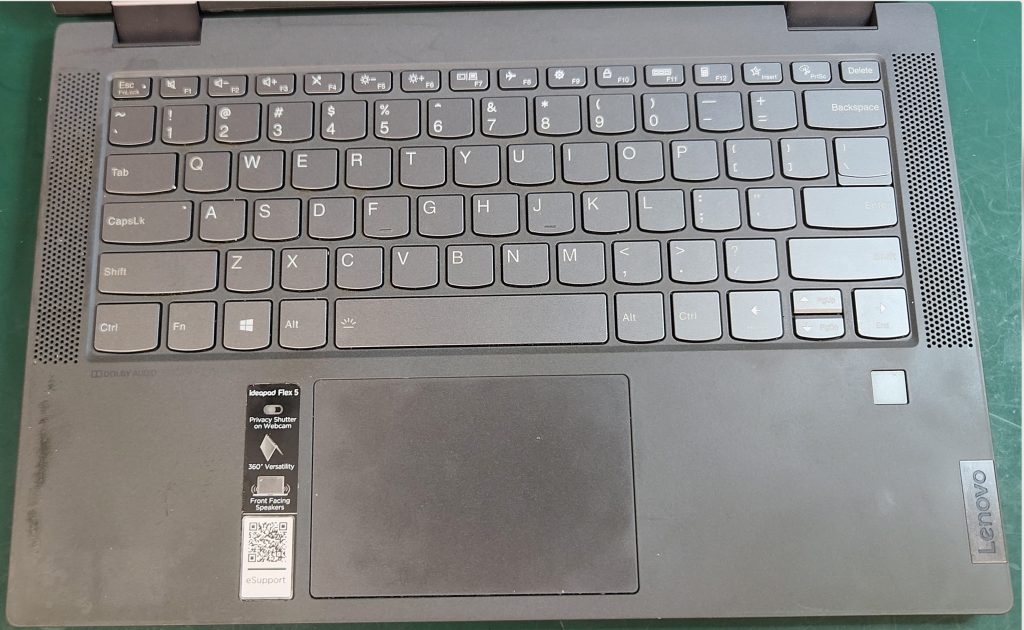
And of course, I cleaned the screen.
I always clean the displays on laptops. I make my own custom screen cleaner.
Watch the YouTube video for an in-depth discussion on this project. It is just under 3 minutes.
Photos from this project:






Leave a Reply
You must be logged in to post a comment.