
Don’t make me explain that acronym…
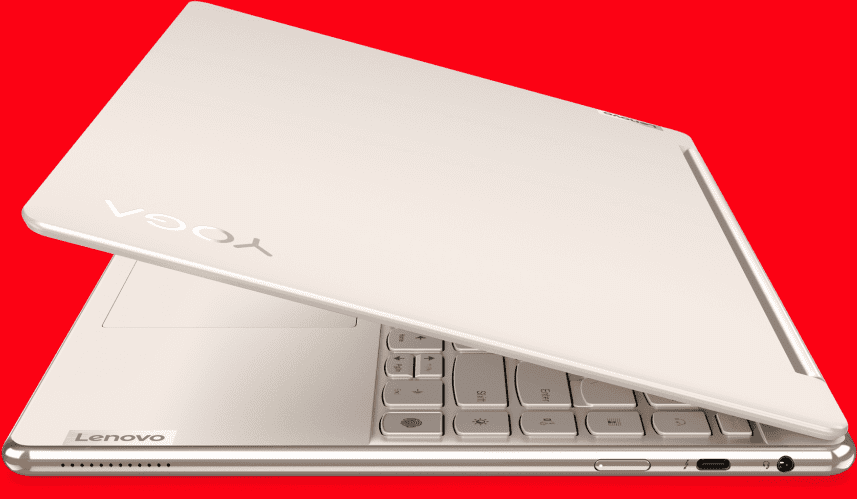
A 14″ Lenovo Yoga came in for a fan replacement. The fan bearings were SHOT.
Fan replacement went fairly smoothly. Until I rebooted.
Then nothing after the BIOS splash screen. For 20 minutes.
Then still an unresponsive desktop.
Is it hardware or software?
Since Lenovo has no BIOS diagnostics, it is not possible to check the hardware without bootable diags. So…
I suspect it is a software problem. Sometimes two different problems manifest at the same time unrelated. And this is one of those times.
Since Windoze is unresponsive, I have to get creative. I let the computer idle for over 30 minutes until it will respond to the “3 finger salute” Ctrl-Alt-Del.
Task Manager shows there is not a ridiculous amount of resource usage, but the culprit I suspect is Webroot SecureAnywhere. Webroot is a notorious resource hog on a good day. This is NOT a good day.
I need to be in Safe Mode to verify the problem is software.
From the task manager interface I execute msconfig from the File / Run menu and set it to boot in Safe Mode.
<reboot>
In Safe Mode I start uninstalling completely unnecessary applications in this order:
- McAfee Webadvisor
- Webroot WiFi Security
- Carbonite (not a friendly uninstall and a resource pig)
- <reboot>
- Cisco Remote Access
- Dropbox
- Go To Meeting
- Microsoft Teams
- Webroot SecureAnywhere (uninstall fails and demands Admin access.
- I am logged in as admin.
So.
Time to download some tools.
From our diagnostic computer I download WRUpgradeTool and transfer it to the Lenovo via USB
It does a fairly good job of extracting Webroot, but I’ve done this enough times to know there will be a lot of debris left over.
Then I download Revo Uninstaller and run it. Selecting Advanced mode, I remove as much Webroot registry and file detritus as possible.
<reboot>
Things are looking a lot better now. But I know there is still Webroot garbage to be found. Going to Startup, I delete the Webroot startup service. Then I delete as many Webroot file folders and registry entries as possible . There are still locked registry entries and files that can’t be removed, as Webroot is just plain invasive. But the system is fully functional and behaving better than it has in years.
Relaunching msconfig, I set the startup to normal
<reboot>
I replace Webroot with our custom configured version of Bitdefender Endpoint Security and install BackBlaze for a much better backup experience.

See below for fan removal instructions.
Removing the fan and replacing it is fairly simple.
On this model, all the bottom cover screws are identical. Remove all the bottom cover screws and pry the cover loose from the hinge gaps.
- Unplug the fan cable (white circle).
- Un-thread the black cable going around the fan.
- Remove the 3 black screws (red circles) and the fan is easily removable.
You need silver heat sink compound to replace the fan. Clean the old compound off both surfaces with denatured alcohol (NOT rubbing alcohol – it contains oil) and replace the heat sink compound before reattaching the fan.





Leave a Reply
You must be logged in to post a comment.